TV instructions (Video below):
Note:
1) The TV's in all the living rooms are mounted on long extension arms so they can pull away from the wall and be directed towards the dining tables.
2) Most people have Netflix, Hulu and / or an Amazon account for watching TV. So please use your credientialso to watch watever you like! Please remember to delete your info when leaving. If not, our guest manager will upon checking the unit after the next clean.
3) IF THE SPECTRUM APP IS NOT ON THE TV... PLEASE SELECT THE "HOME" BUTTON ON YOUR REMOTE AND THEN USE THE DOWN BUTTON TO "SEARCH" AND SEARCH FOR "SPECTRUM". SELECT THE APP AND START WATCHING....
Note:
1) The TV's in all the living rooms are mounted on long extension arms so they can pull away from the wall and be directed towards the dining tables.
2) Most people have Netflix, Hulu and / or an Amazon account for watching TV. So please use your credientialso to watch watever you like! Please remember to delete your info when leaving. If not, our guest manager will upon checking the unit after the next clean.
3) IF THE SPECTRUM APP IS NOT ON THE TV... PLEASE SELECT THE "HOME" BUTTON ON YOUR REMOTE AND THEN USE THE DOWN BUTTON TO "SEARCH" AND SEARCH FOR "SPECTRUM". SELECT THE APP AND START WATCHING....
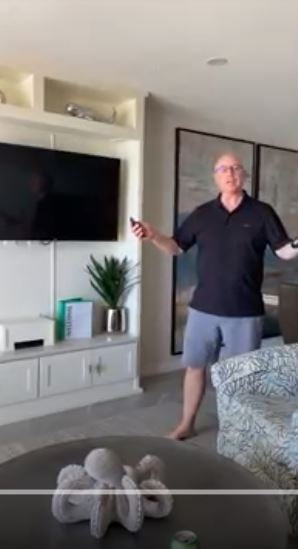
CLICK BELOW IF THE SPECTRUM APP (FOR WATCHING LIVE TV) IS NOT VISIBLE ON YOUR TV...